
Godkey is the effortless and beautiful tiling window manager for macOS.
Everything in its right place, all the time.
Love your computer


Your screen is the new bottleneck.
Six automatic adjustments for every interaction you make.
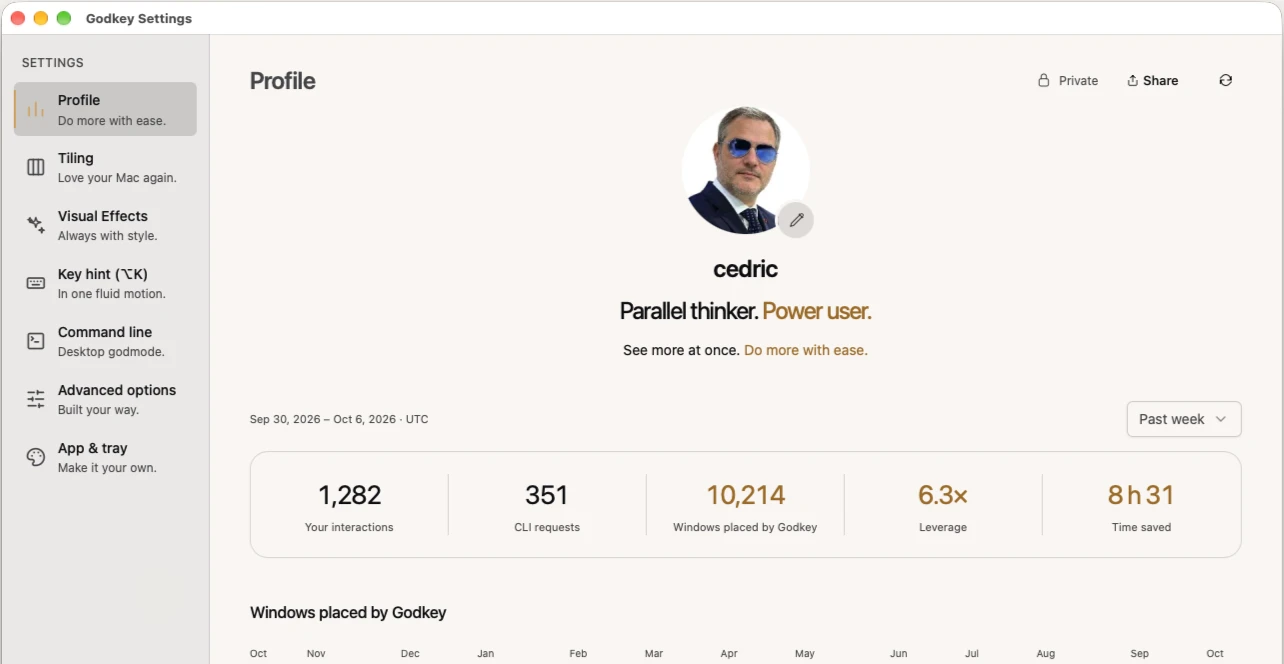
With AI at work, you can always start the next thing, and each one brings its own windows. Godkey places them for you.
- windows placed by Godkey
- 10,214
- leverage
- 6.3×
- time saved
- 8 h 31
Godkey counts 3 s to place a window by hand.

Tiling
Your windows find their way.
The apps you already use, placed for you.
Claude, Codex and Cursor side by side, your terminal, your browser, your design and chat apps. Group what belongs together, change projects with a change of Lane, and the desktop keeps up as you accelerate.

Keyboard-first · Swipe-friendly
Right means right.
Every direction is a real direction.
Your screens stay where they stand: a window goes to the one on its right the way it goes up to the one above. What you can do with arrows, you can do with finger swipes. Swipe between windows, in one fluid motion.


Contours
Know them by their light.
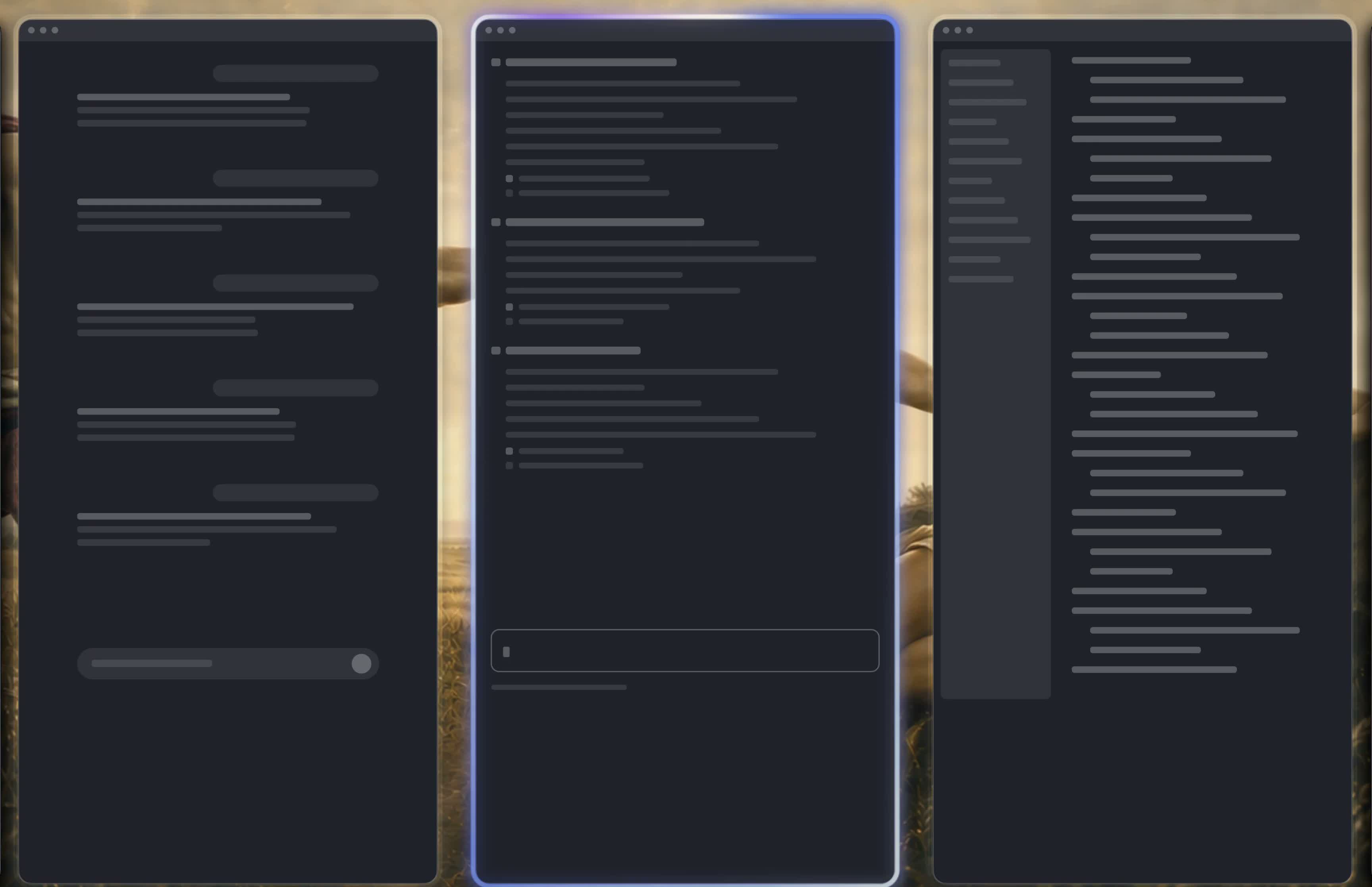
The focused window glows in its app’s colors.
Claude, Codex, Cursor. Told apart at a glance. Four Contours: App icon, Rainbow, Glass, Plain.
CLI godmode
Your desktop. In godmode.
Familiar commands. For your windows, and your agent.
Navigate your desk with ls and cd. Move windows with mv, or bring one into focus with touch. Use scripts or let your agent arrange your workspace.

Three displays
See, then believe.
Follow your intuition, and move like a power user.
Send a whole Stack to another display. Move your focus across the desk, accelerate through your windows, then switch Lanes. Your projects stay within reach.


Why Godkey exists
Your Mac deserves a desk that keeps up.
I built Godkey because managing my windows became a time sink.
With AI at work, you can always start the next thing, and each one brings its own windows. My time no longer went into the work; it went into dragging windows around.
Godkey is the solution I needed to take on more at once while keeping my Apple ecosystem.
Now every window has its place, every project its Lane, and the desk keeps up with me, beautiful and in order.
Good questions.
Why Godkey
How do I switch between windows faster on Mac?
Stop hunting for them. With Godkey, every window has its place, and a key, a swipe or a command brings it to you.
How do I split my Mac screen into more than two windows?
Split View stops at two. Godkey places as many windows as you work with, side by side, and each one stays a key or a swipe away.
How do I keep my windows organized by project on Mac?
Give every project its place. In Godkey, each one gets its own Lane, with the name, icon, color and number shortcut you choose, the way Arc or Zen give each project its space. Each Lane is a key away: switching projects takes a keystroke, not a search.
Is macOS bad for programming?
Its weak spot is window management: windows overlap, hide and pile up as soon as you run several projects. Godkey takes care of that part, and the rest of your Mac stays as it is.
Should I switch from Mac to Linux for a tiling window manager?
No. Godkey brings the window management people leave for Linux, the way i3 or Hyprland do it, right on macOS: whole screens of windows swap in and out with a key. And you keep your apps, the Apple ecosystem and your data.
What is a tiling window manager?
An app that places your windows for you, side by side, so nothing overlaps and every window is a key away. Godkey is one for macOS, built to be beautiful: Metal shaders color each window’s contour after its app’s icon, and windows glide instead of jumping.
Coming from another tool
Is there something like tmux for windows on Mac?
Godkey. tmux is excellent for consoles; Godkey makes your whole Mac work that way: a tree you can ls, a position you can cd into, and mv to rearrange. Your agent can drive both.
Is Rectangle enough, or do I need a tiling window manager?
Rectangle was the real deal when a screen held two to four windows. Now there’s so much more going on, and windows that place themselves where you expect beat windows you place by hand.
AeroSpace vs yabai: which one should I use?
Both are keyboard-first, and so is Godkey. It also runs with System Integrity Protection on, works inside your native Spaces, and adds windows that glide, Contours and trackpad gestures.
Is there an Omarchy or Hyprland for Mac?
Godkey brings the Hyprland way of managing windows to your Mac: a desk that arranges itself, driven from the keyboard.
How do I stop dragging windows around on Mac?
Let Godkey place them. You’ll never need to drag a window again, inside a screen or between screens, and the onboarding walks you through the switch.
How do I keep music or an AI chat over my other windows on Mac?
Stash them. Your favorite windows, like your music or your AI assistant, pop in over your work on any screen and pop back out with a key.
The basics
Is there a free tiling window manager for Mac?
Godkey is free during early access. You only need an account to download it.
How do I manage windows across multiple monitors on a Mac?
Let each screen keep its place. With Godkey, a window goes up to the screen above or right to the one on its right, with a key or a swipe.
Do I have to memorize a lot of keyboard shortcuts?
Start with the directions you already know: arrows on the keyboard or swipes on the trackpad, and a window goes where you point. Hold Option to see what else you can do, and learn the rest as you go.
Is there a tiling window manager for Mac that doesn’t require disabling SIP?
Godkey. It runs with System Integrity Protection on.
Do window managers send my data to the cloud?
Godkey doesn’t. It reads your windows to place them, and that stays on your Mac: no account, no cloud. The app only reaches out to check for updates and to send the feedback you choose to send.
Do I need an Apple silicon Mac?
Yes. Godkey needs a Mac with Apple silicon and macOS 14 Sonoma or later; it doesn’t run on Intel Macs.

Your desk is waiting.
Love your computer